
Save Anything,
Find it in 200ms
A quiet, private library for the links, references, and ideas you want back later – saved from Chrome, iOS, and Android, found the instant you need them.
Free while we build it. No credit card. No pro plan to upsell you into.
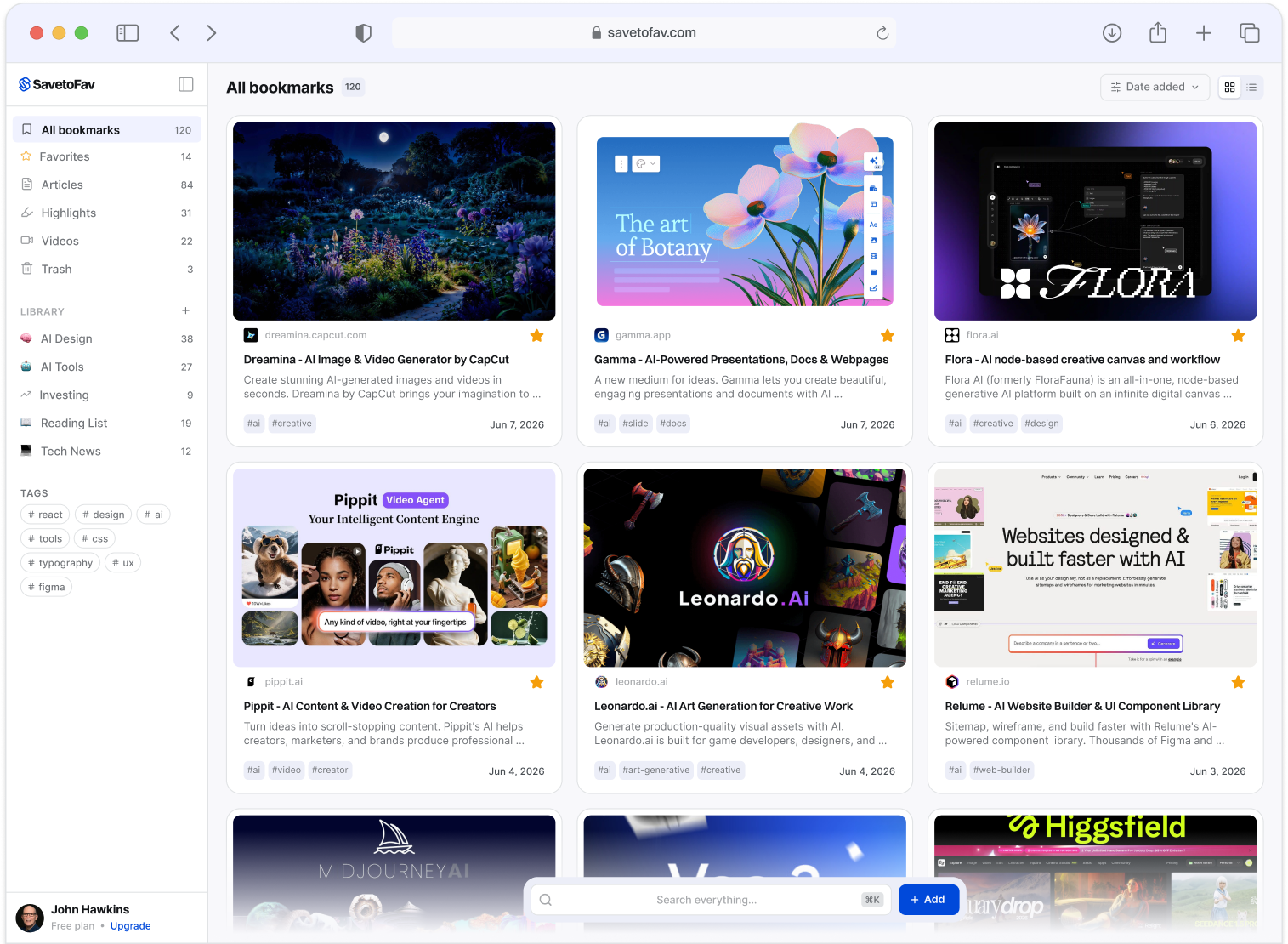
Saving Was Never the Problem, Finding Was
You saved it two weeks ago. You search a half-remembered word. It’s there before you finish typing.
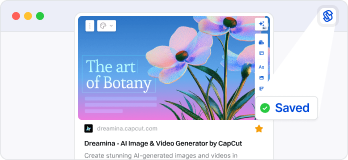

Two weeks ago
You Saved an Article
One tap from Chrome. Save the page instantly, then get back to what you were doing.
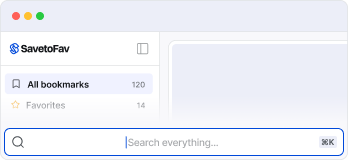

Today
You Half-Remember
Search the article; not the title. Not the site. Just a fragment of what you remember. That’s enough.
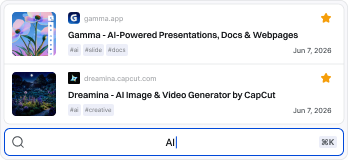

Instantly
It Surfaces!
Before you finish typing, it’s there. No folders to dig through. No re-Googling what you already had.
That 200ms is where a library earns its keep.
Trust is built at retrieval, not at capture
Built for Where You
Actually Scroll
Most “save it for later” tools assume you’re at a desk. SaveToFav meets you on your phone, where the good stuff actually shows up — then it’s waiting when you get back to your laptop.

• WHERE IT SHINES
Save from anywhere on your phone
From X, Instagram, Reddit, Threads, YouTube, your podcast app, or any browser; if it has a share button, SaveToFav is in it. The thing that catches your eye on the train doesn’t have to die in a screenshot folder.
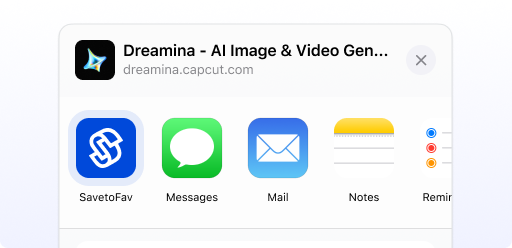

iOS Share Sheet
• LIVE NOW
When you’re at your desk, the Chrome extension is the fastest path. Title, thumbnail, and tags grabbed automatically.
Built for Getting Back
to What Mattered
Every feature leads back to the same moment: finding what you saved when you need it again.
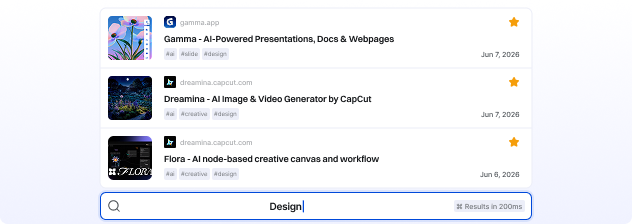
Instant Search
Full-text search across everything you’ve saved. Results appear as you type — milliseconds, not spinners.

Smart Tags
Organize by project, not by source. Tag once, and let
search do the rest — no folder hierarchy to maintain.
Instant Search
Full-text search across everything you’ve saved. Results appear as you type — milliseconds, not spinners.
Smart Tags
Organize by project, not by source. Tag once, and let search do the rest — no folder hierarchy to maintain.
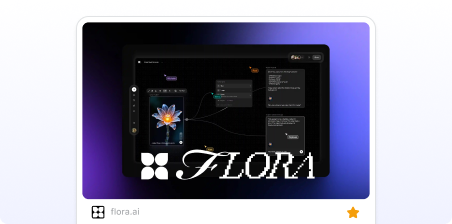
Auto Thumbnails
Recognize saved things visually, not just by title. Your library looks like what you remember seeing.
Private by Default
No public profiles. No social layer around what you save. It’s your own library, built for you.
Auto Thumbnails
Recognize saved things visually, not just by title. Your
library looks like what you remember seeing.
Private by Default
No public profiles. No social layer around what you save. It’s your own library, built for you.
Your library is personal
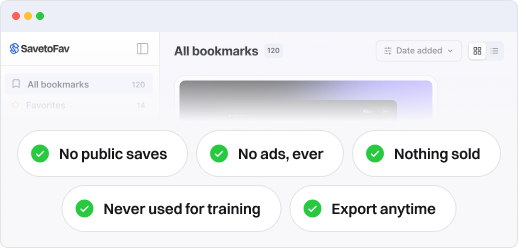
Never public, never sold, never used to train anything. There’s no feed, no profile, and no social graph wrapped around what you keep. You can export everything, any time.

“I kept saving things and losing them — across browser folders, likes, and ‘send to myself’ threads. So I built the tool I wanted: somewhere quiet to keep what matters, and find it again without digging. It’s a small, focused product, built to last. Your saves are yours, and you can take them with you whenever you want.”
John Hawkins — Founder of SavetoFav
Fair Questions
The things a careful person asks before trusting a tool with their
reading list, saved links, and half-finished thoughts.
Yes — free, with no credit card. There’s no paid plan yet, because the product is still being built in the open. If a pro tier arrives later, the core library stays free, and you’ll hear about any change from me directly, not from a surprise paywall.
Your phone and your desk. On iPhone and Android, SaveToFav lives in the share sheet — if an app has a share button, you can save from it. At your desk, the Chrome extension saves the page you’re on, with the title, thumbnail, and tags grabbed automatically. Everything lands in one private library that you can search on the web at savetofav.com.
Build a Library You Can Actually Come Back to
Save from anywhere. Find it later. That’s the whole promise.